GPT Image 2.6 prompts & examples
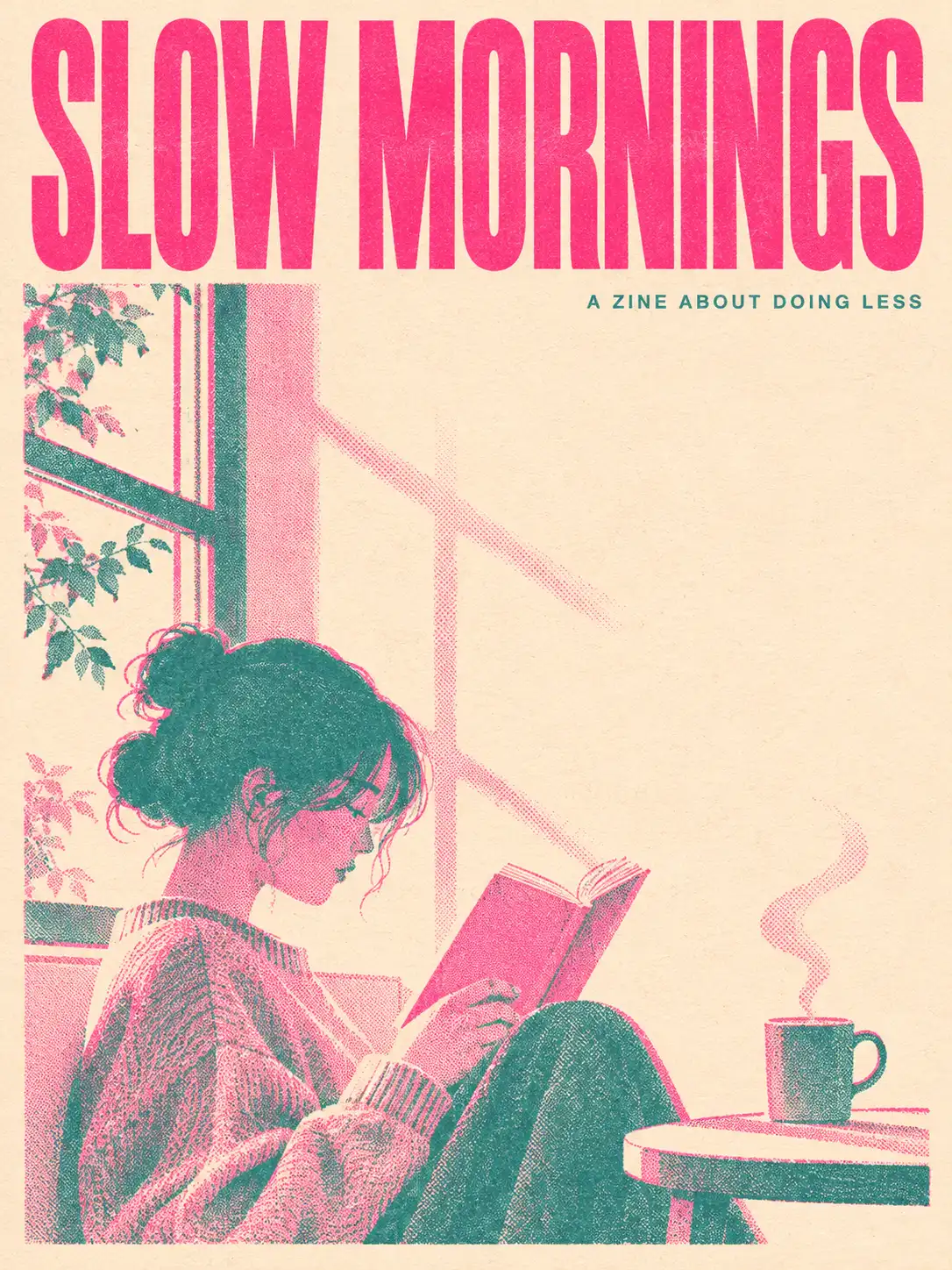
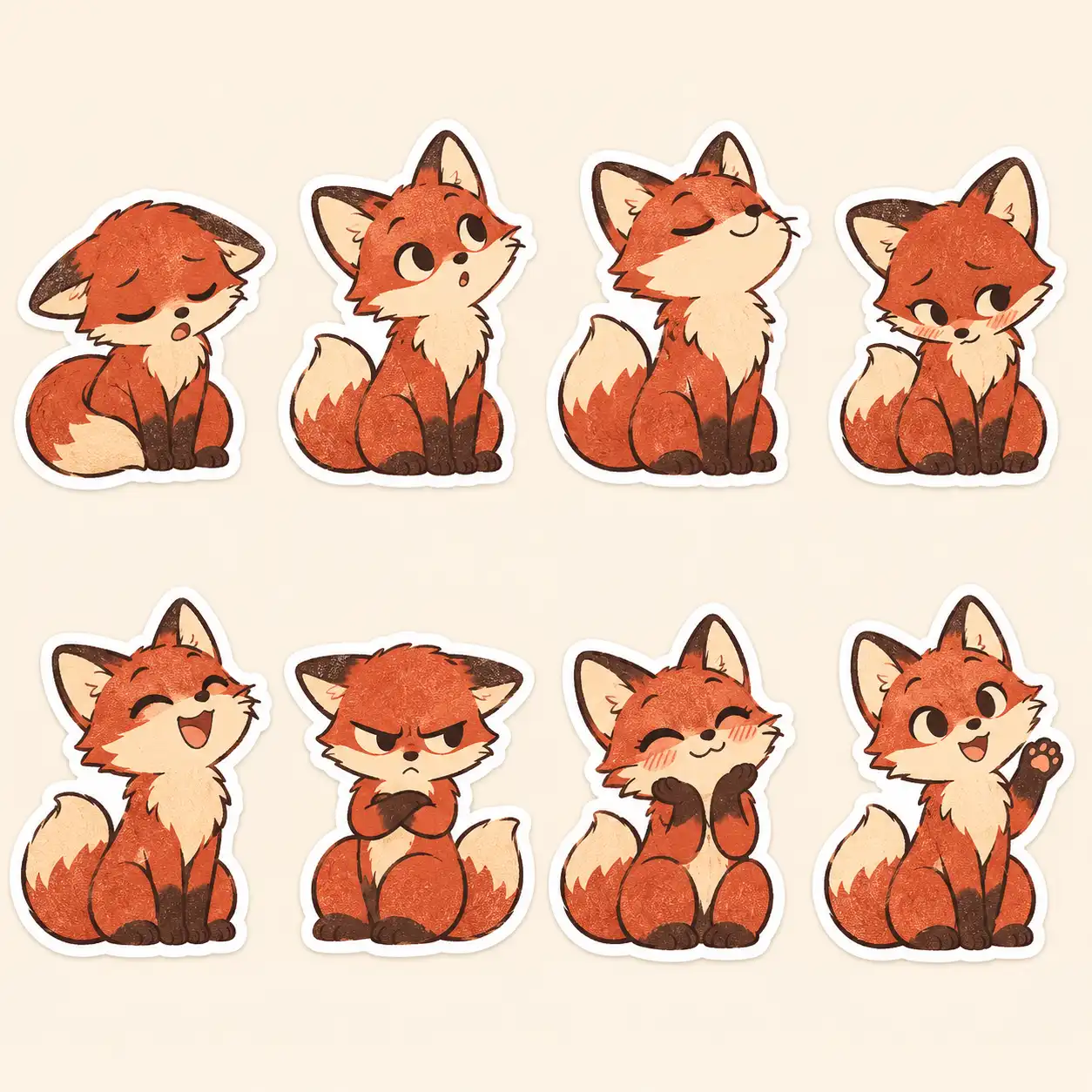
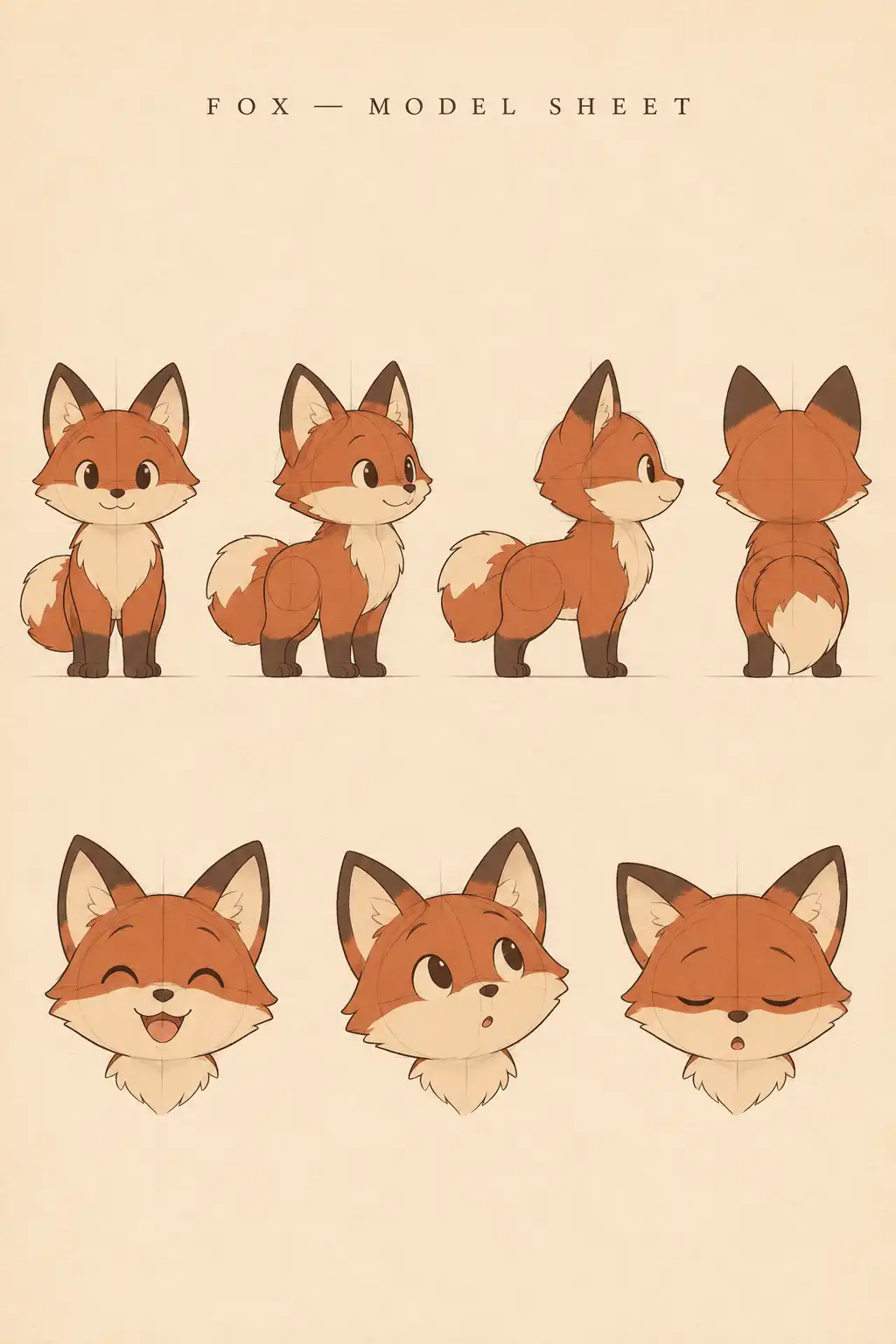
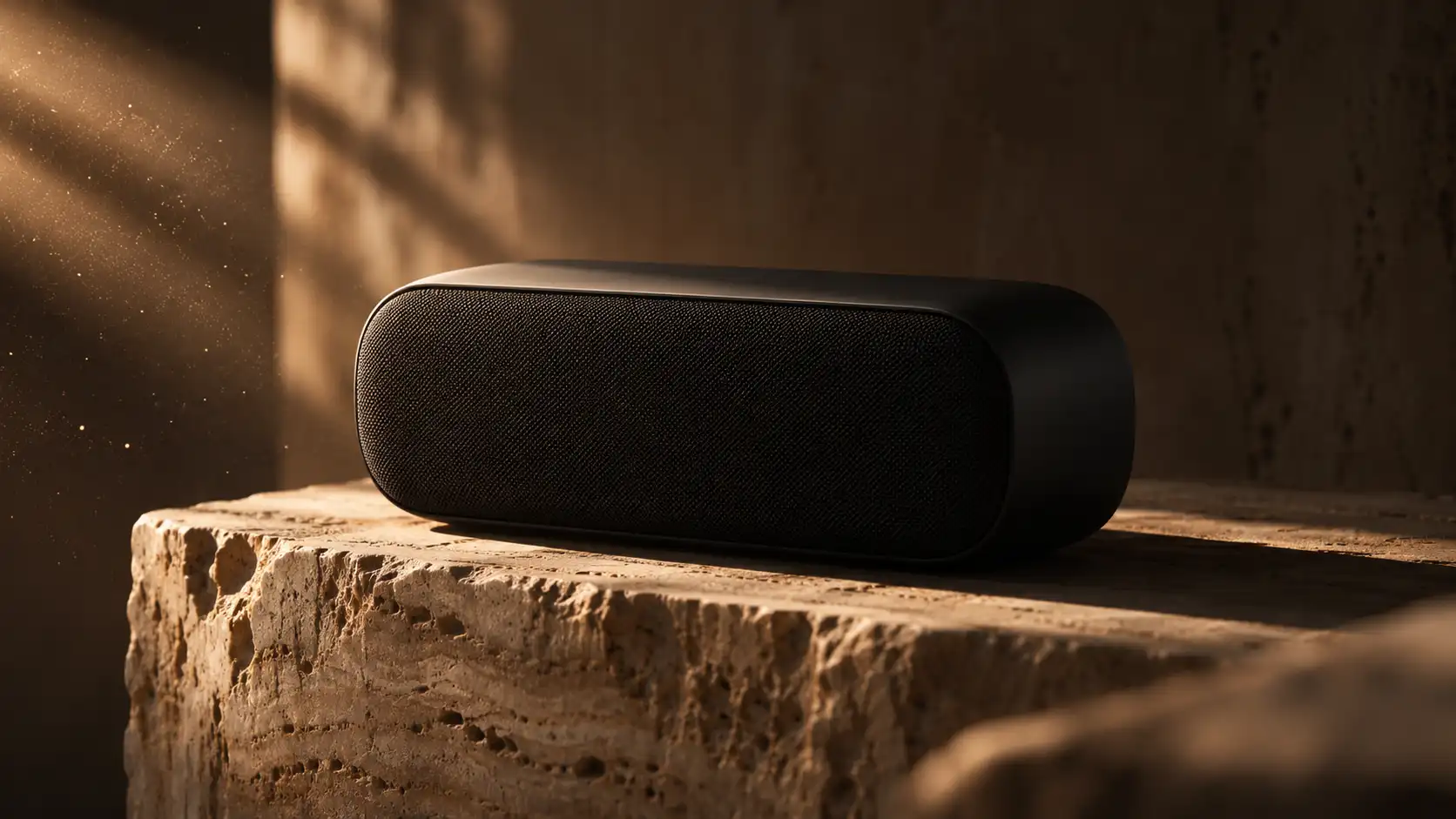
What is GPT Image 2.6?
GPT Image 2.6 is OpenAI's image model released on November 4, 2026 as ChatGPT Images 2.6. It adds animated GIF output, SVG output and faster generation, and comes in two API variants: Flare (speed) and Sunburst (detail and consistency across edits).
Can GPT Image 2.6 make GIFs?
Yes. In ChatGPT it turns a prompt or an image into a looping GIF; you can change the speed and edit single frames. Reported limits are 2 to 64 frames at 20 to 2,000 ms each. See the GIF prompts page for examples.
Can GPT Image 2.6 output SVG?
Yes, for icons, simple illustrations and layouts: one static SVG per request, without reference images, scripts or embedded raster images.
How do I write a good GPT Image 2.6 prompt?
State the format and aspect ratio first, then the subject, the composition, the medium and a restrained palette, then any exact text in quotes. Every template on mimus shows its full prompt so you can copy it.
What is the difference between Flare and Sunburst?
Flare is the faster, smaller variant for drafts; Sunburst is the base model for detailed finals and consistent edits. Both are billed by tokens.